
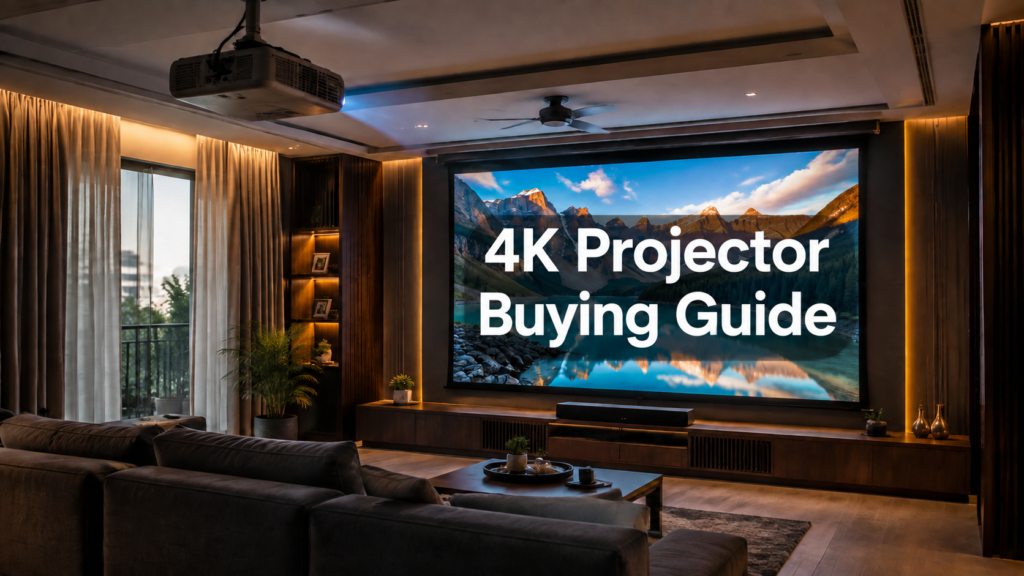
Most projector buying guides are written for a pitch-black, dedicated home theatre with blackout curtains and zero ambient light. That’s not most Indian living rooms. Between windows, evening lights, and rooms that double as a lounge before they double as a cinema, the brightness and placement specs that matter for your space are often completely different from what a US-focused review site recommends. Here’s what to actually pay attention to before you buy.
The Brightness Trap: ANSI Lumens vs. “Marketing Lumens”
This is where most buyers get misled. Brightness on a spec sheet can be measured several different ways, and only one of them is trustworthy: ANSI lumens, a standardised measurement taken under controlled conditions. Terms like “LED lumens” or unqualified “lumens” on budget projectors are frequently inflated 5–10x over the real, honest ANSI figure. A projector claiming “10,000 lumens” with no ANSI rating listed is very often dimmer in practice than a projector honestly rated at 2,000 ANSI lumens. When comparing projectors, ignore any brightness number that isn’t explicitly labelled ANSI.
How Many ANSI Lumens Do You Actually Need?
This depends entirely on how much ambient light your room actually has when you watch, not how dark you could theoretically make it once a year.
- Fully light-controlled room (blackout curtains, no windows, dedicated cinema room): 1,500–2,500 ANSI lumens is genuinely enough. More brightness than this in a truly dark room can actually wash out black levels and hurt contrast.
- Typical Indian living room, curtains drawn but some ambient light: 2,800–3,500 ANSI lumens is the realistic minimum for a punchy, watchable daytime and evening image.
- Bright room, minimal light control, daytime viewing: 3,500+ ANSI lumens, ideally paired with an ambient-light-rejecting (ALR) screen (more on that below).
If you’re planning a dedicated, properly light-controlled cinema room as part of a full home theatre installation in Hyderabad project, you can spend your budget on contrast and color accuracy rather than raw brightness. If the projector is going into a living room that still gets daylight or lamp light during viewing, brightness is non-negotiable, no amount of good color science fixes a washed-out, low-contrast image.
Native 4K vs. Pixel-Shifting 4K
Not every “4K” projector has a true 4K chip. Many use a lower native resolution (often 1080p) combined with fast pixel-shifting technology to display a 4K-equivalent image. In practice, at typical home viewing distances, well-implemented pixel-shifting 4K looks very close to native 4K for most content, the difference matters most on very large screens or if you sit unusually close. Native 4K panels command a real price premium; for most living room setups, a good pixel-shifting 4K projector from a reputable brand is a sensible mid-range choice, and native 4K is worth paying for mainly once you’re building a dedicated, larger-screen cinema room.
Throw Distance and Placement
This is where Indian apartment layouts create real constraints most buying guides don’t address. Two broad categories:
- Long-throw projectors (the traditional type, ceiling-mounted or on a rear shelf) need roughly 10–14 feet of distance to fill a 100–120 inch screen. This gives the best image quality and flexibility but requires a room with enough depth and a clean run for cabling.
- Ultra-short-throw (UST) projectors sit just inches from the wall or screen, on a credenza or low unit, and project upward at a steep angle. No ceiling mount, no cable run across the room, and nobody walking through the beam, genuinely useful in smaller living rooms or apartments where a ceiling mount isn’t practical or permitted. The trade-off is typically a higher price for equivalent brightness and more sensitivity to screen surface quality.
Whichever type you choose, professional projector installation in Hyderabad should include a proper throw-distance calculation against your specific screen size before any mounting hardware goes up, guessing this leads to keystone distortion, off-centre images, or a screen size that doesn’t match what you actually wanted.
The Screen Matters as Much as the Projector
A great projector on a cheap, reflective white wall will disappoint you. Two things to get right:
- Ambient-light-rejecting (ALR) screens: if your room has any meaningful ambient light, an ALR screen (gain roughly 0.8–1.0) dramatically improves contrast by rejecting overhead and side light while still reflecting the projector’s own light straight back at your seating position.
- Acoustically transparent screens: if you’re running a proper speaker system, an acoustically transparent screen lets you place your centre channel directly behind the screen at ear level, the correct position, instead of awkwardly above or below it.
Connectivity and Future-Proofing
Check for HDMI 2.1 support if you want 4K at higher frame rates (useful for gaming and some newer content) and eARC if you’re running the projector’s audio out to a proper AV receiver, eARC has the bandwidth for lossless Dolby Atmos, while standard HDMI ARC only carries compressed Atmos. If Atmos sound is part of your plan (see our 5.1.2 vs 7.1.4 guide if you haven’t settled on a speaker layout yet), confirming eARC support before you buy saves a frustrating discovery later.
Laser vs. Lamp Light Source
Laser light sources cost more upfront but last roughly 20,000+ hours with minimal brightness degradation and no bulb replacements, genuinely relevant in a market where projectors often run for years without professional servicing. Lamp-based projectors are cheaper initially but lamps degrade noticeably over 2,000–4,000 hours and need periodic replacement. For a primary home theatre projector that will see regular use, laser is worth the premium if your budget allows it.
Budget Tiers for the Indian Market
| Tier | Typical Price | What You Get |
|---|---|---|
| Entry-level | ₹80,000 – ₹1.5L | Pixel-shifting 4K, lamp or basic laser source, good for light-controlled rooms |
| Mid-range | ₹1.5L – ₹3L | True native 4K or higher-quality pixel-shift, laser source, wider lens shift for flexible placement |
| Premium | ₹3L+ | Reference-grade native 4K, HDR tone mapping, highest brightness and contrast for mixed-light rooms |
Why Professional Installation Still Matters
Even the right projector underperforms with a poor install. A proper setup accounts for exact throw distance against your chosen screen size, correct lens shift or ceiling offset to avoid keystone distortion, concealed cable runs instead of surface-mounted wiring, and calibration for your room’s specific ambient light and screen material. This is consistently the difference between a projector that looks impressive in a showroom and one that looks right in your actual living room, which is exactly what a proper site visit as part of any home cinema design in Hyderabad project is meant to catch before anything gets mounted.
Frequently Asked Questions
Do I need a fully dark room to enjoy a 4K projector?
No. You need enough ANSI lumens (2,800–3,500+) and ideally an ALR screen to match your actual ambient light conditions. A fully dark room lets you use a dimmer, higher-contrast projector, it isn’t a requirement for a good picture.
Is native 4K worth the extra cost?
For most living rooms, a good pixel-shifting 4K projector looks very close to native 4K at normal viewing distances. Native 4K becomes more worthwhile on larger dedicated cinema screens or if you sit unusually close to the screen.
What’s the biggest mistake people make buying a projector for an Indian living room?
Buying based on an inflated, non-ANSI brightness number, then being disappointed when the image looks washed out with any lights on. Always check for a genuine ANSI lumens rating before comparing projectors.
Should I choose ultra-short-throw or long-throw for an apartment?
If a ceiling mount isn’t practical, rented apartment, no clean cable path, low false ceiling, a UST projector on a credenza is usually the more practical choice, even at a higher price for equivalent brightness.