
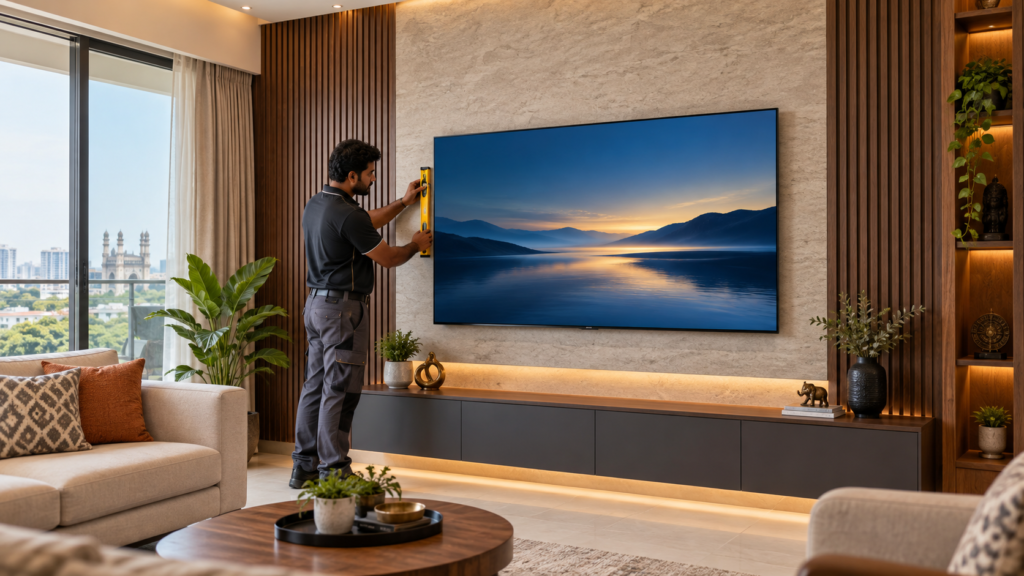
A TV mounted at the wrong height, on the wrong wall material, with visible cables running down to a console below, is one of the most common regrets we hear about from clients who tried a generic handyman service first. TV and projector mounting looks simple, put a bracket on a wall, but getting the height, angle, wall fixing, and cable routing right the first time is a genuine skill, and redoing a bad mount often means patching drywall or concrete you didn’t want to touch twice.
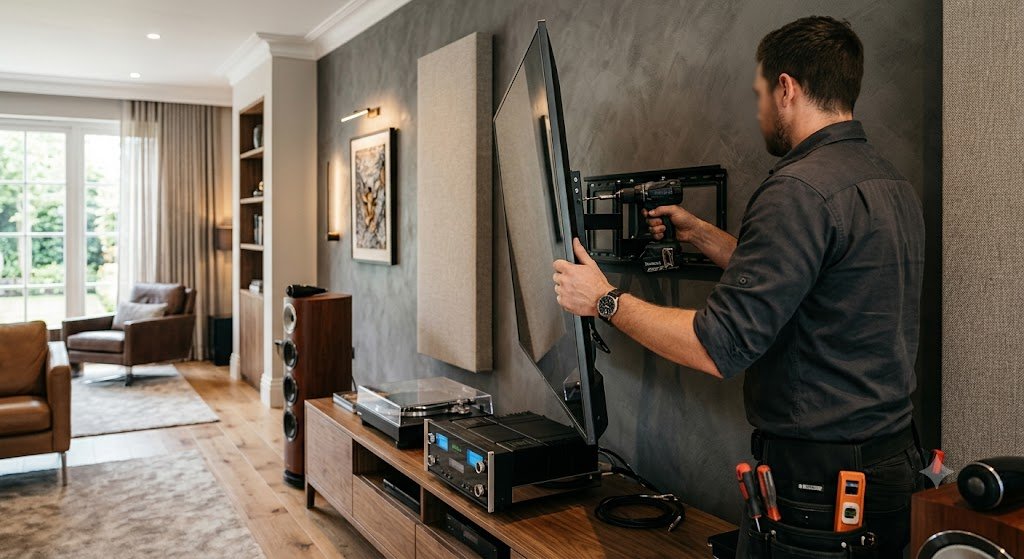
TV Wall Mounting Done Correctly
The single most common mounting mistake is height. The centre of the screen should sit at seated eye level, roughly 42 inches from the floor for most seating, adjusted for your specific screen size and sofa height. Mount too high and you’re straining your neck every evening; too low and the picture feels like an afterthought. We measure your actual seating position and screen size before drilling anything, not a generic “eye level” guess.
Choosing the Right Mount Type
- Fixed mounts hold the TV flush against the wall, 1 to 1.5 inches of clearance, the slimmest and most affordable option, ideal when the screen sits directly at eye level with one straight-on seating position.
- Tilting mounts angle the screen 5 to 15 degrees downward, correcting for a TV mounted above eye level, common above a media console or fireplace-style feature wall.
- Full-motion mounts extend, swivel, and tilt, worth the extra cost for corner installations, multiple seating areas, or rooms where you’ll want to adjust the angle for glare at different times of day.
Projector Mounting: Ceiling and Shelf Options
Projector placement is a throw-distance calculation, not a guess. We measure the exact distance needed to fill your chosen screen size correctly, then choose ceiling mounting (the standard approach, giving the cleanest sightlines and the most flexible screen size) or rear-shelf placement, useful when a ceiling mount isn’t practical due to beam obstructions, low false ceilings, or rental restrictions on ceiling drilling.
Wall Material Matters
Hyderabad homes commonly involve three different wall types, and each needs a different mounting approach. Drywall and partition walls require locating and anchoring into structural studs, a TV mount anchored only into drywall itself will eventually fail under the load. Concrete and brick walls, common in independent houses and older apartment construction, need masonry anchors rated for the specific TV or projector weight. We identify your wall type during the consultation and use the correct hardware for it, not a one-size-fits-all bracket kit.
VESA Patterns and Weight Ratings
Every TV has a VESA mounting pattern, the bolt-hole spacing on the back of the screen, ranging from 75×75mm on small screens up to 600×400mm or larger on 75-inch-plus displays. We match the mount’s VESA compatibility and weight rating to your specific TV rather than assuming any mount fits any screen, an undersized or mismatched mount is a genuine safety risk, not just a fit issue.
Concealed Cable Management
A mounted screen with cables hanging visibly down the wall undermines the whole point of mounting it in the first place. We route HDMI and power through in-wall conduit wherever the wall type allows, or use paintable surface-mount raceways finished to match your wall colour where routing through the wall isn’t possible, so the final result never has loose cable trailing to a console below.
Recent Mounting Projects
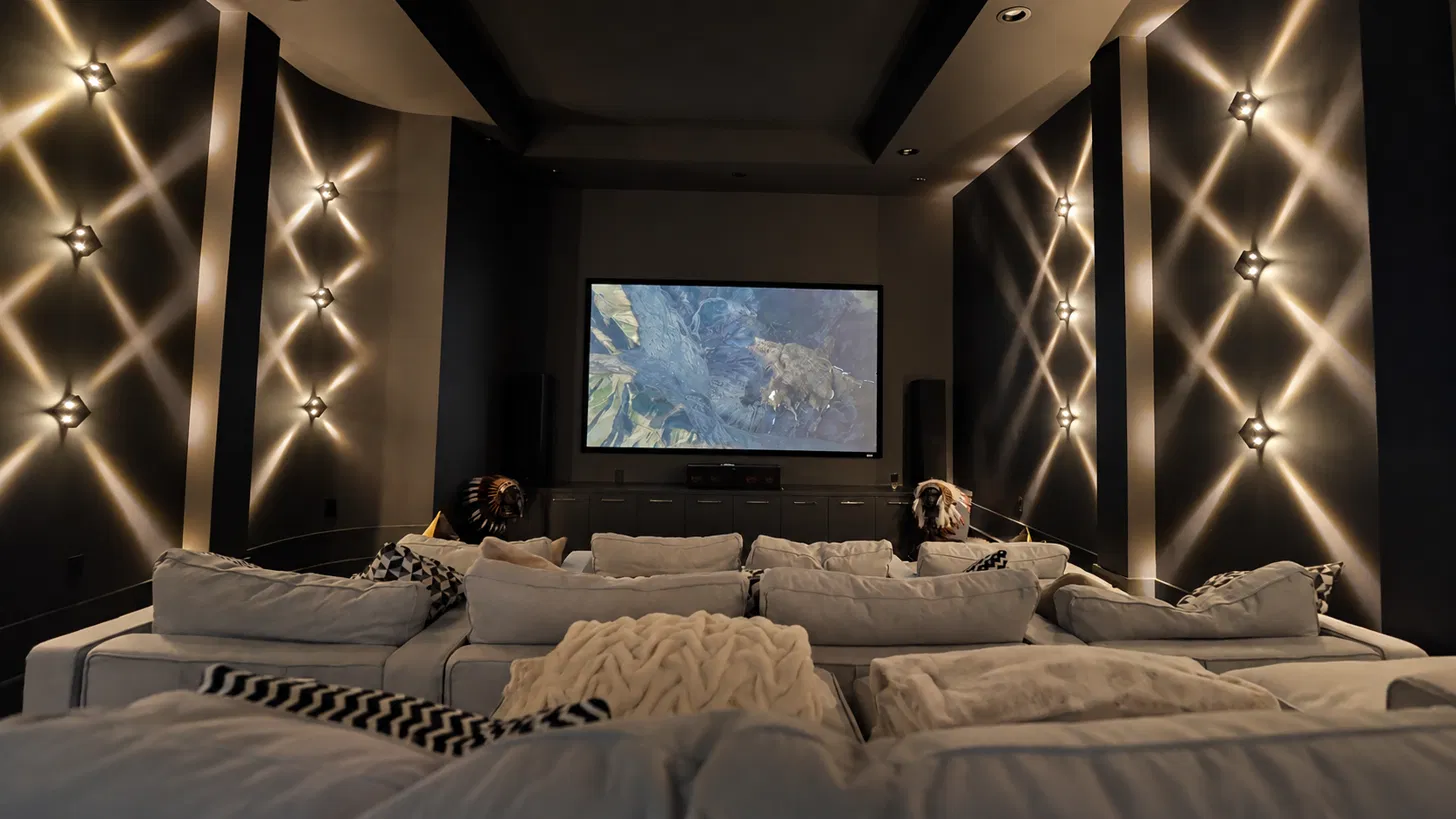
Below is an example of our TV and projector mounting work, showing correct height positioning and fully concealed cable routing.
Cost Factors
Mounting costs depend on a few real variables: screen or projector size and weight, wall material (concrete and brick generally take longer than stud-wall drywall), mount type (fixed mounts cost less than full-motion), and how much cable concealment work is involved. As an indicative range, standard TV wall mounting with basic cable concealment typically falls between ₹3,000 and ₹8,000, while projector ceiling mounting with concealed wiring generally runs ₹6,000 to ₹15,000, depending on ceiling height and cable run length. We confirm an exact price after seeing your specific wall and room during a free consultation.
Service Areas
We provide TV and projector mounting across the Hyderabad metro area, including Banjara Hills, Jubilee Hills, Gachibowli, Kokapet, Financial District, Kompally, Kondapur, and Nallagandla. See our Areas We Serve page for locality-specific guides.
Ready to Mount It Right the First Time?
Book a free consultation and we’ll assess your wall, calculate the correct height and throw distance, and quote transparently before any drilling begins.
Frequently Asked Questions
What height should my TV be mounted at?
The centre of the screen should sit at seated eye level, roughly 42 inches from the floor for standard seating, adjusted for your specific screen size and how high your sofa sits.
Can you mount a TV on a concrete or brick wall?
Yes, this is standard in Hyderabad construction. We use masonry anchors specifically rated for your TV’s weight rather than the anchors intended for drywall studs.
Will the cables be visible after mounting?
No, not with a properly planned installation. We conceal cables through in-wall conduit where the wall type allows, or with paintable surface raceways matched to your wall colour where in-wall routing isn’t possible.
Do you handle projector mounting on false ceilings?
Yes, though false ceilings sometimes require a different mounting approach depending on ceiling depth and structural support above it, something we assess during the consultation rather than assuming standard clearance.
Is this different from your full home theatre installation service?
This page covers mounting specifically, TVs, projectors, and screens. For the complete system, speakers, Dolby Atmos, acoustic treatment, and automation alongside mounting, see our full installation services page.